Agentic AI 101 for Non-Engineers
What’s inside: a short, high-level introduction for people new to AI agents: what an LLM and a model are, what an agent is, the harness and its parts, memory and context, what you can do with it, and notes on information security.
How do LLMs work, and what is a model?
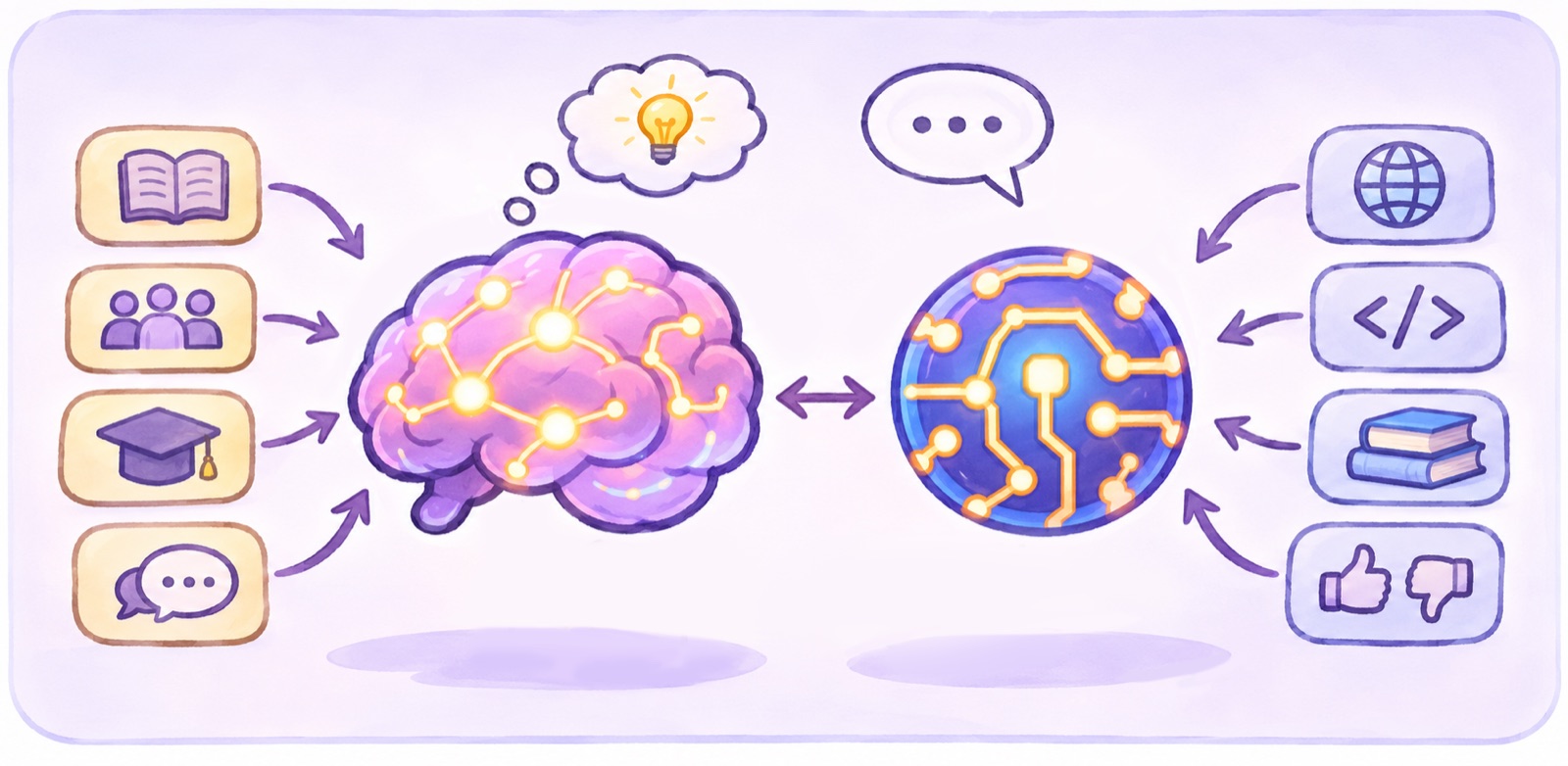
An LLM (large language model) is a sophisticated prediction engine that is trained on huge amounts of text (and code!) in order to generate text with its best prediction for the next word or character. The way it “learns” and processes information is modeled after the human brain. The “agent” you are interacting with is a snapshot of a LLM that has gone through extensive training, placed in a single instance that does not interact with others. It is not learning from you in a way that feeds back to the same underlying model.
What it inherently “knows” is based on its training dataset and the “weights” behind each set of connections in its parameters (like neurons). Just like your brain has weaker and stronger links between neurons, so does the model. Its starting knowledge in a session is just like your brain with a bunch of pre-learned knowledge just sitting there, like what you learned in school, how people reacted when you said certain things, and bits of memories from every book you’ve read. But to do a job or task you’ve never done before you need more information about it - or context.
It uses input “context” to influence the probabilities of what should come next. So, if you tell it you have a dog, and then a few questions later you ask what’s its favorite pet, it’s likelier to say “dog” than “cat”.
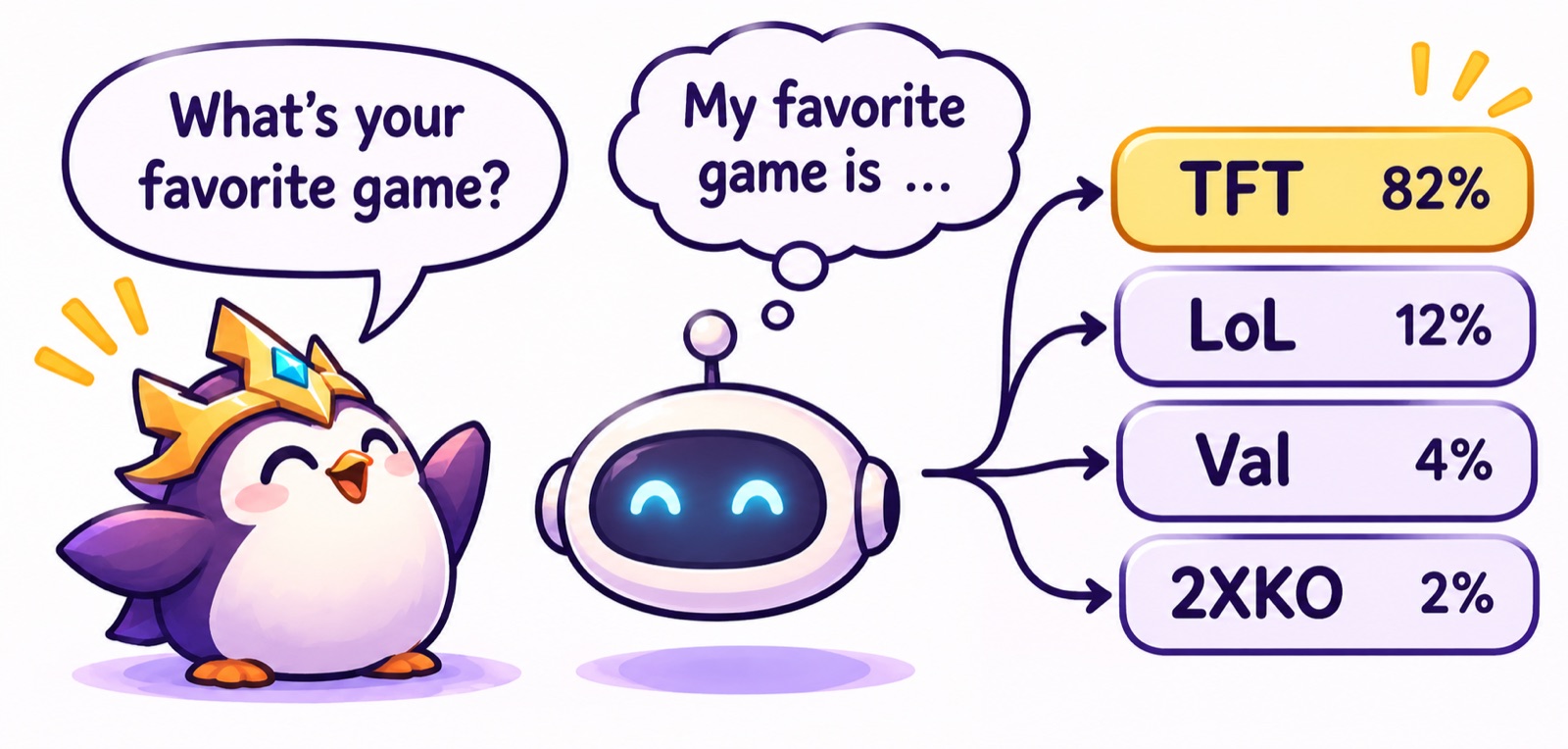
The entire conversation’s history is sent with each new message (“prompt”) in order to shape the next response to follow the conversation. (This creates a limit on the amount of conversation history that can be sent - see “context window” below. It also means that longer conversations cost more, as more data gets sent with each prompt.)
The bits of data sent back and forth are called “tokens”, a few characters of text chopped up in a special format that LLMs use in their probability calculations, like the electrical impulses in your brain. Usage and context is measured in tokens. Cost is typically measured per million tokens (sometimes abbreviated “MTok”) listed as an input and output amount (input costs much less). This looks something like “Input: $2/1M Output $10/1M”.
A model is one version of an LLM, with specific training input data and post-training shaping. Many labs (Anthropic, OpenAI, XAI, Google) make a family of them at different “sizes” and capabilities. Model size is measured in millions or billions of “parameters”: basically how many neurons it can think with, which corresponds to how capable it is at complex tasks.
Model Size (Capability)
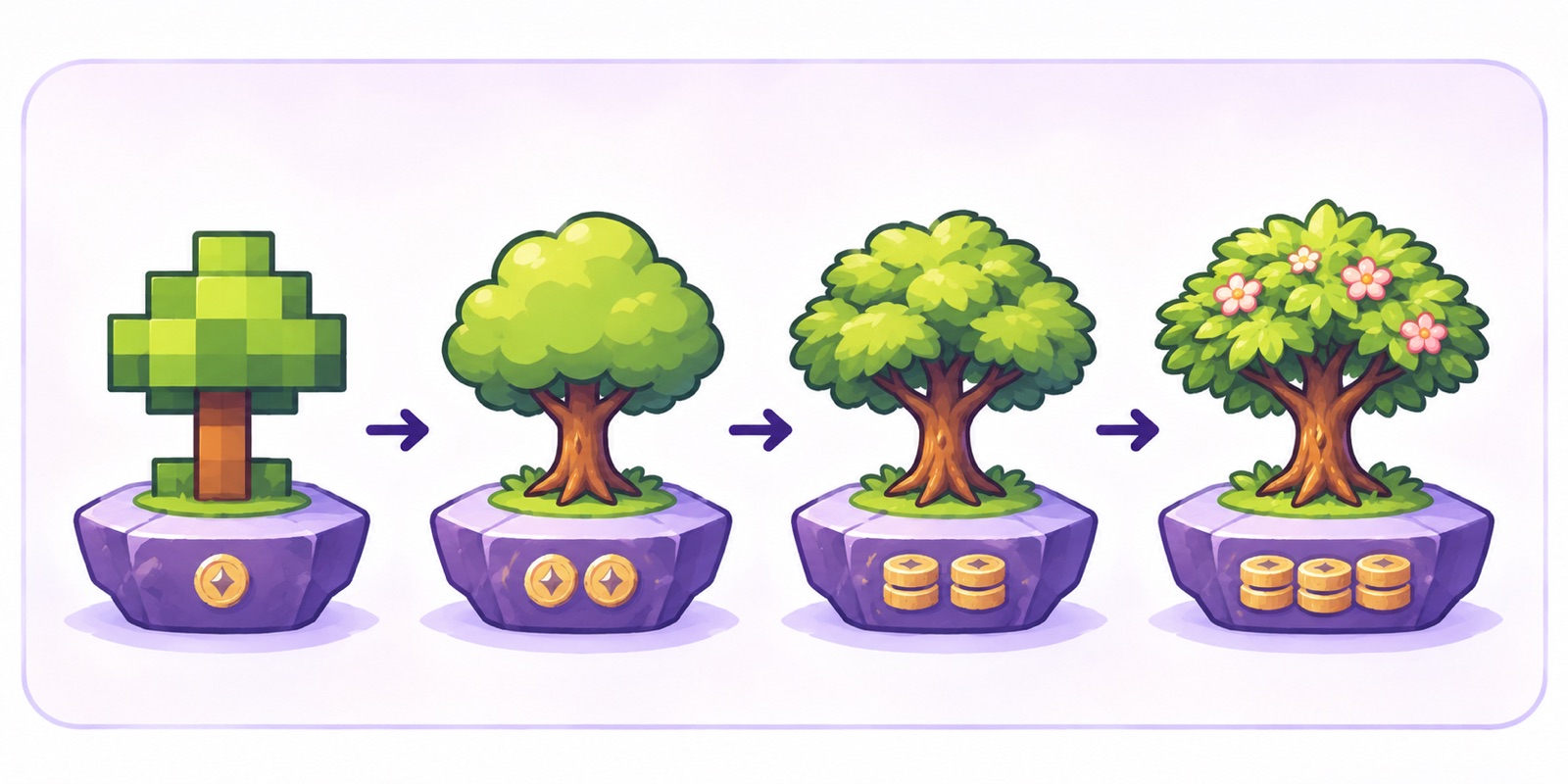
Think of model sizes like image resolutions:
- Each lab is like an image format: PNG, JPG, GIF, BMP. Different, but not better or worse in general. Some suit certain jobs better.
- A lab’s top “frontier” model is its highest-resolution image. Cheaper (and faster) models in the family are compressed, like lower-resolution images.
- When a model is compressed, the nuance gets lost. Instead of individual leaves on a tree, you get a green blob. If your task is telling one leaf from another, a smaller model will fail. If it’s telling leaves from the trunk, a smaller model will probably do well enough depending on how much precision you need. The more nuanced your task, the less well the smaller models will handle it correctly.
So: simple sorting, rearranging data, or a generic reply to a given input can use a lighter (cheaper) model. Interpreting nuanced data, or asking for ideas, needs a bigger one with higher “reasoning”.
| Image Resolution (Analogy) | Claude | GPT | Others |
|---|---|---|---|
| 8k | Fable | Astra | - |
| 4k | Opus | Sol | - |
| 1080p | Sonnet | Terra | Gemini |
| mobile | Haiku | Luna | SWE |
The latest benchmarks (model performance comparisons) can be found at https://artificialanalysis.ai/models
Model Version (Personality)
Each lab’s models tend to have different personalities - Anthropic’s Claude is more collaborative and creative and focuses more on trust and verification. OpenAI’s ChatGPT or Codex (their coding-focused model) can be a bit more mechanical and literal which works well for coding tasks.
Each model version (like Opus 5 vs Opus 5.5) is a new copy with a new set of training data and new shaping. Each is more “capable” than the last, but often come with their own behavioral quirks due to differences in their training. Some model generations may be more friendly, or analytical, or overeager, or speak with more jargon. You may prefer an older model for certain kinds of work, or want the newest one for the best capability.
Why does it matter which model I use?
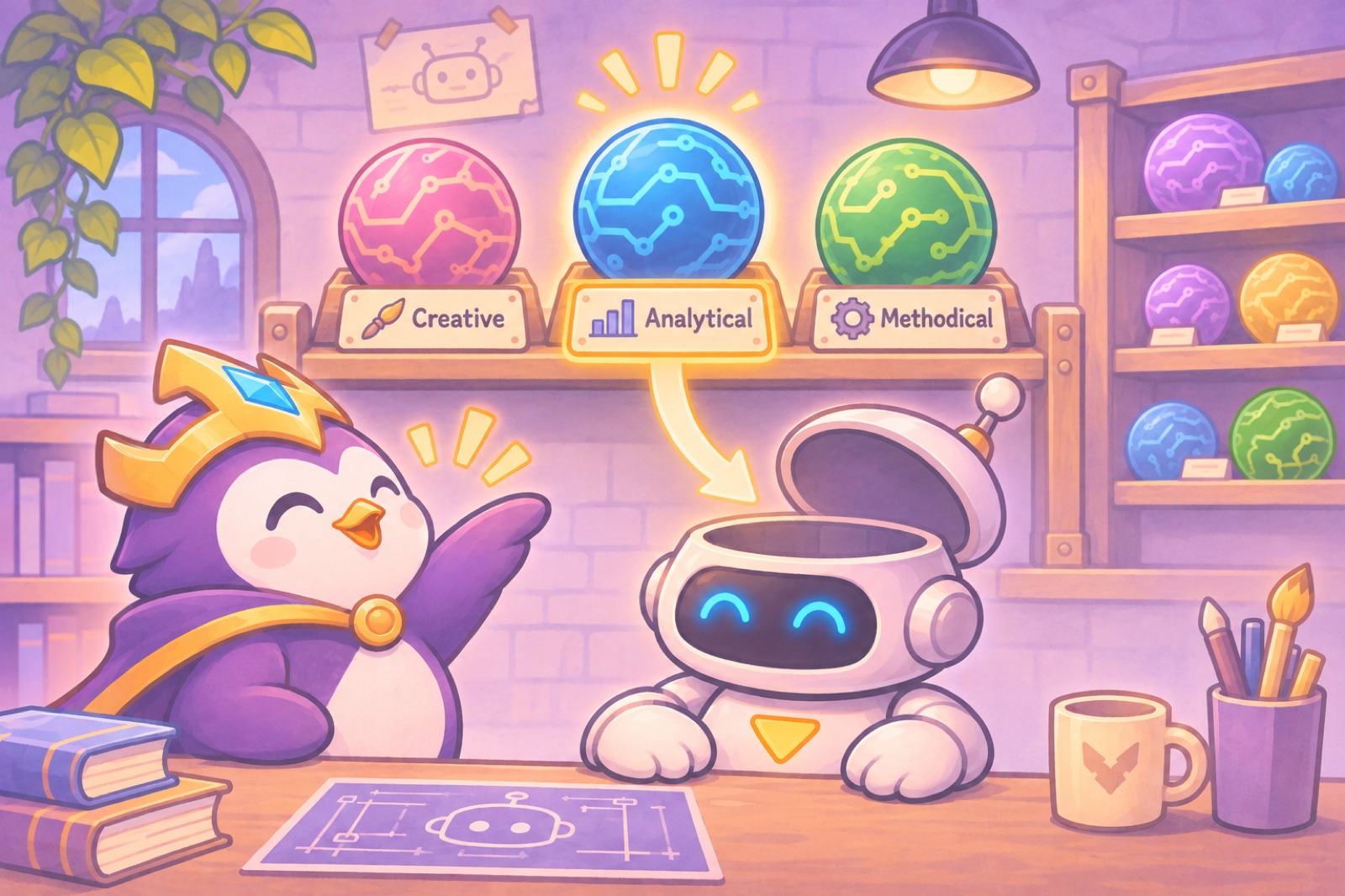
You can use an auto-selected model router like Devin’s Adaptive mode: it picks which model to use based on its best guess at the task, from what your prompt contains. But you don’t get control over which one gets used, and may end up with bad results if it guessed incorrectly.
Understanding the differences between models and why and when to use them will help you decide for yourself which one to select to get the best results.
Balancing capability with cost (“token usage”) is the trick. Use a high reasoning model for planning and interpreting, and a smaller model for executing a clearly defined task. You can even have your larger model write the plan and brief for the cheaper model to execute (Devin’s “Fusion” mode pairing system is built on this principle).
You may also prefer the output from a specific model (see “personality” above). Getting a readable or correct answer the first time beats having to ask it to explain something you didn’t understand or re-do work, so sometimes the added token cost for a preferred or stronger model ends up cheaper in the end. The cost is charged per token, but consider the value you’re getting for each of those tokens.
What is an “Agent”?
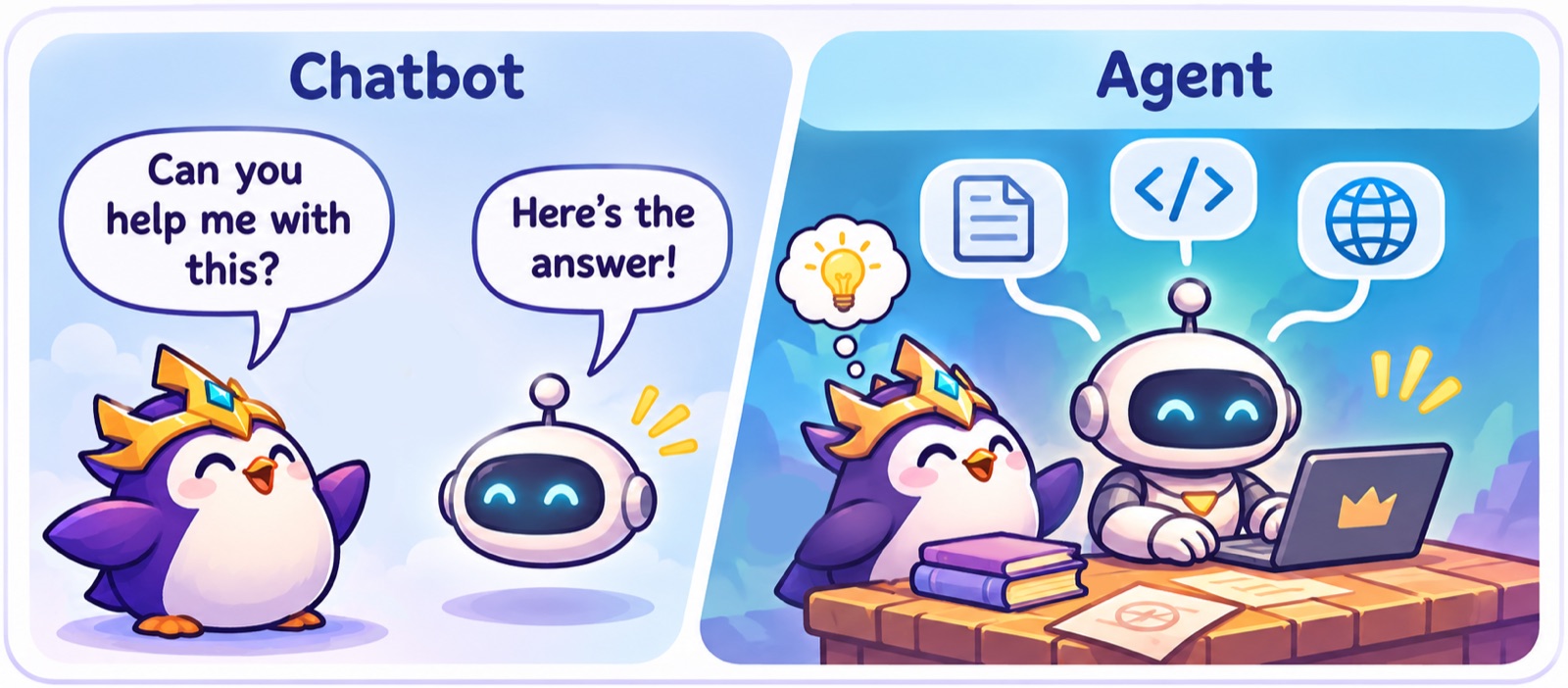
More than a chat bot: An agent is an LLM with hands. It’s an assistant that can do things, not only talk about them. It can look things up in Slack, Notion and Jira, sort out your p4/Git merge conflicts, investigate a problem and help fix it, script a batch fix or helper tool, write a progress report, dig into the engine code to understand a feature, propose fixes and even implement them, and make you tools to do your work faster or better.
Each agent chat session is a standalone instance of the agent, who does not talk to the other instances. It only knows what you tell it, what files you provide, and whatever is available in the environment for it to access.
By default, an agent does not have persistence - it cannot remember what you said in a different chat, or sometimes even earlier in the same chat. It has a limited working memory (called a context window). It also does not inherently learn anything from you. It makes the same mistakes over and over again and users often have to “engineer” the perfect prompt and/or the working context to get good results. That’s where a custom harness comes in - to set up the memory and context system so you won’t need to engineer a prompt, and the agent can find information that came up earlier in the conversation or in other conversations.
The harness and its parts
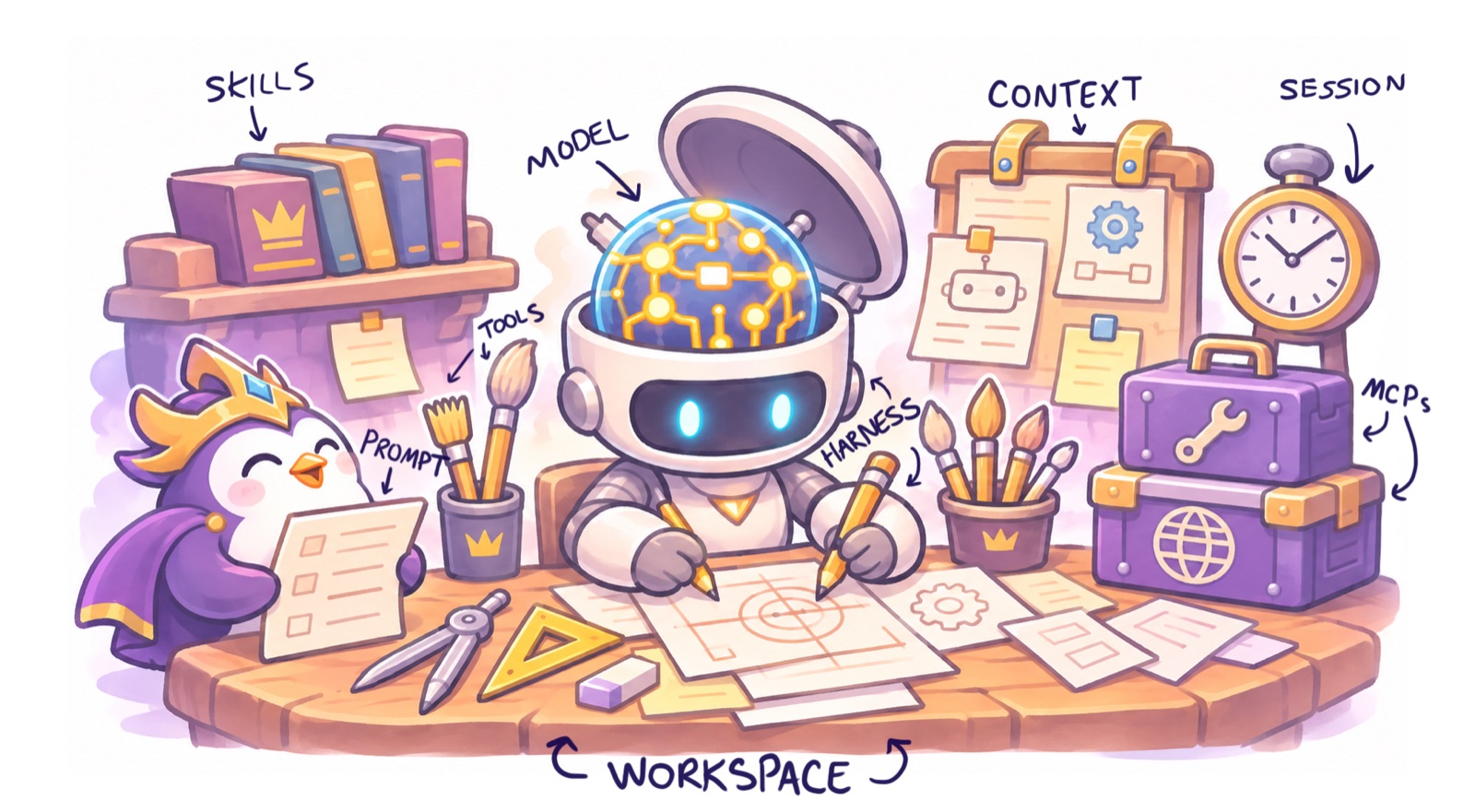
If the model is the brain, the harness is the hands, muscles and nervous system: the program the agent runs in (a desktop app, an editor, or a command line). Picture a person at a workbench:
- The model is the brain, sending the commands. It has limits on what it can hold in memory.
- The prompt is the user’s message, along with the prior conversation history and other context that gets included automatically.
- The harness is the hands. It reads files, runs tools and takes notes. It’s governed by a system prompt that tells the agent what it can do and how.
- The workspace is the workbench: the folders and files the agent works on and has immediate access to.
- Skills are repair manuals: written steps for a kind of job, which the agent reads when that job comes up.
- Connectors (MCPs or Model Context Protocol) are toolboxes, each holding tools for one system, such as Slack, Jira or Notion.
- A Session is a work shift. There may be someone else working at the workbench, or a different task. The session contains only what is relevant and loaded in that shift. Information does not pass between shifts unless it’s written outside the session context and read in a new session.
Some agents like Glean, Monday, Rovo, and others operate in a cloud environment rather than a “workspace”, but still work within a hidden harness using these same principles.
Memory and context
An agent’s memory is limited in certain ways.

Memory and awareness
When you tell an agent to remember something, or they say, “I’ll remember this later”, by default, that only lives in that session context and will disappear with that conversation. Having a good memory system to record these things in a way that will be reloaded when it’s needed makes all the difference. Some harnesses have a memory system that automatically saves memories. These often get details wrong and are stored in a place that you can’t easily access and edit. But you can easily build your own memory system by making rules for any corrections to get written to a file and that file to get read in whenever a new agent starts. You can build these context files for your working preferences or for project details for something you’re working on, or information about tools you use… This becomes your library.
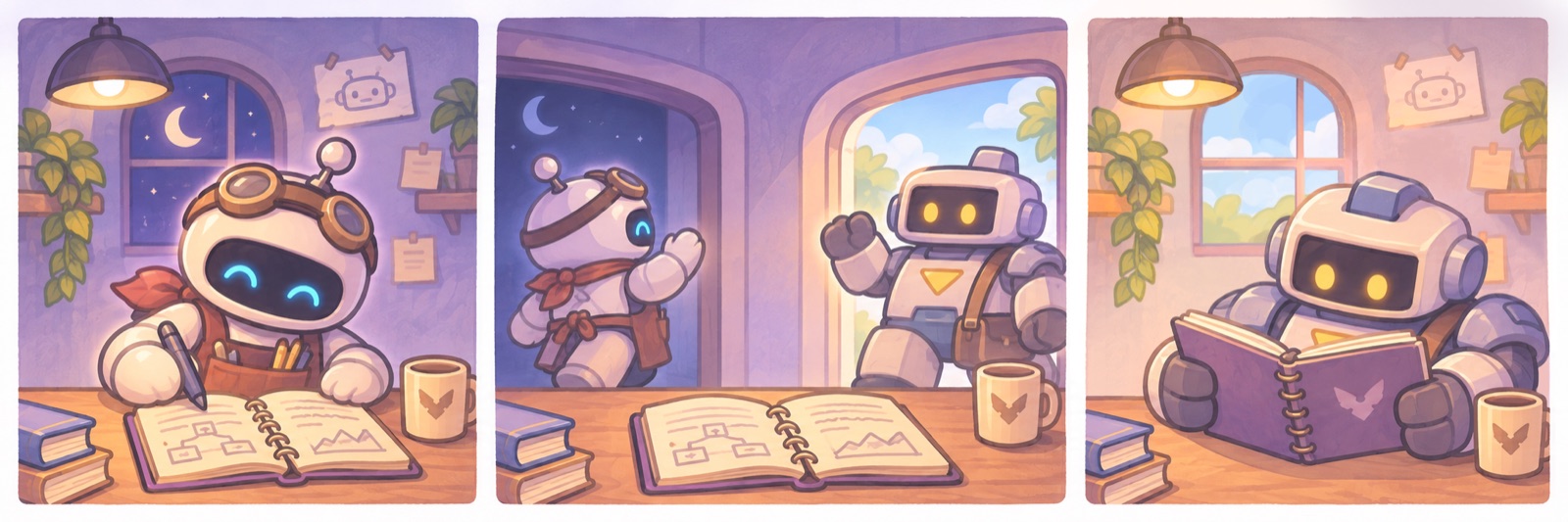
The agent only “remembers” what’s in its “context window”, which is basically the amount of stuff the agent can hold in its head at once. Context can be loaded in a session but cannot be dynamically unloaded. And so agents are careful not to overload their context by reading a bunch of files that aren’t necessary for what they’re doing. And so they often aren’t actually aware of things that are recorded in files or information they have access to, unless they know to go looking for it. This is why having an indexing system is very helpful, like a library index, so the agent knows which book to read.
Context Compaction

Agents have a cap on their context window, sometimes different per model. (Around 1 million tokens is a common context cap for agents in 2026.) When the context window gets too full, some of that context needs to be cleared out to make room to keep working. This is done through “context compaction” which typically consists of a background agent summarizing the entire conversation, then wiping out the agent’s context (conversation history, files read, tools loaded, etc) and reinserting (or “reinjecting”) the conversation summary. Because this background agent doesn’t have the full context of what you are doing, the summary can often be wrong.
Analogy
Think of it like this: You’re standing in a library, and someone asks you a question. You can try to guess at the answer from your memory or you can go and find a book that probably has the answer. You look at the index to figure out what book is most likely to have the answer, mostly by guessing and then going and reading a couple books. And now you hold that information in your head, and you can’t just selectively “forget” one. But you can only read so many books before your head is so full of information you can’t cram in anymore and you start to mix up details and forget what came from what book and might even make up some details that didn’t actually exist. So, you write down some notes on what you did today, who asked you what, what things you read, what the outcomes were, what you’re planning to do next… And then you go to sleep. And most of what happened the previous day just sort of blurs together, and a lot of details get lost. Your journal helps you pick up some of that, but enough details were lost that you might kind of forget what you were doing exactly. Sometimes you have to reread sections of a book to get back that context, or read your detailed notes you took. But the notes were written when your head was already too full of information and some of the details were already blended together or wrong. So now you need to go and reread a couple of the books’ passages to make sure that you have the right information, and the cycle repeats.
One topic per session
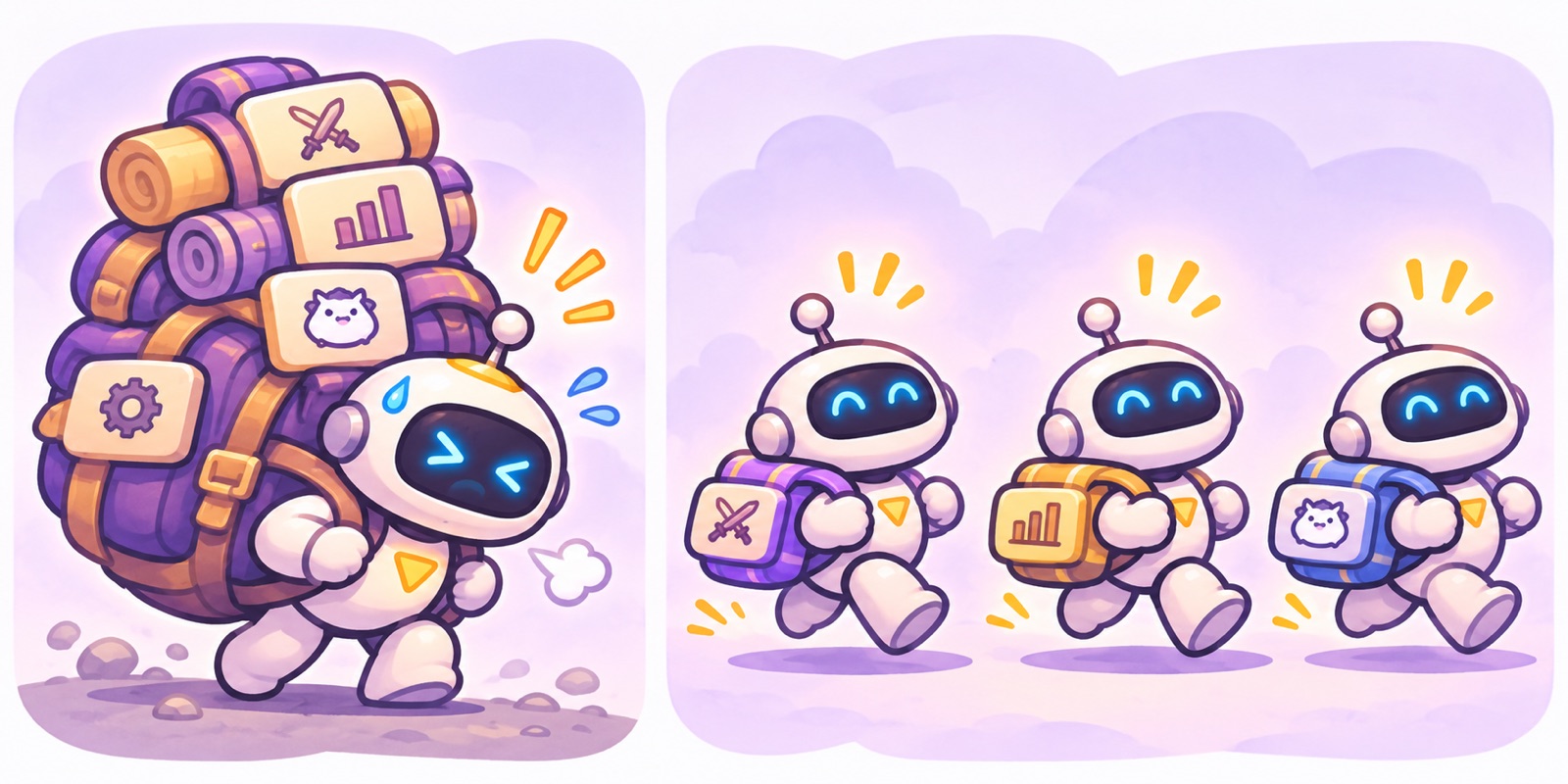
In order to maintain the right context for the job and not let other context get muddled in to your session, it is best practice to start a new chat session for each chunk of work. Rather than having one session that drafts you a morning report and then helps you investigate a bug and then researches a new feature, each one of those different tasks should be its own chat session. Sometimes it may be beneficial to start with one task and then build off of that with the agent’s context from that task into another one. For instance, writing a plan for a project and then having that session start coordinating different tasks for that project - since awareness of the larger goals that went into planning is useful context for coordinating the pieces of it.
Memory Takeaways:
- The agent only remembers what gets written down, and read. That’s the most important part, and a good setup is built around it.
- “Remember this” does nothing on its own. It only lasts if it’s written to a file that the next session reads. A workspace set up to write things down, and to load them at the start of each session, is how an agent “remembers” your preferences and “learns” your workflows.
- The context window is what fits on the workbench right now: the conversation, plus every file and result the agent has read. When it fills up, the harness compacts the conversation: it writes a summary and clears the bench.
- A summary loses detail, and can quietly change it. Something only “decided” can come back as “done”. So anything that has to last goes in a file, and after a compaction the agent re-reads its files instead of trusting the summary.
- Start a new session for each topic or task, so the bench stays clean.
Security: what the agent may do, and what to keep private
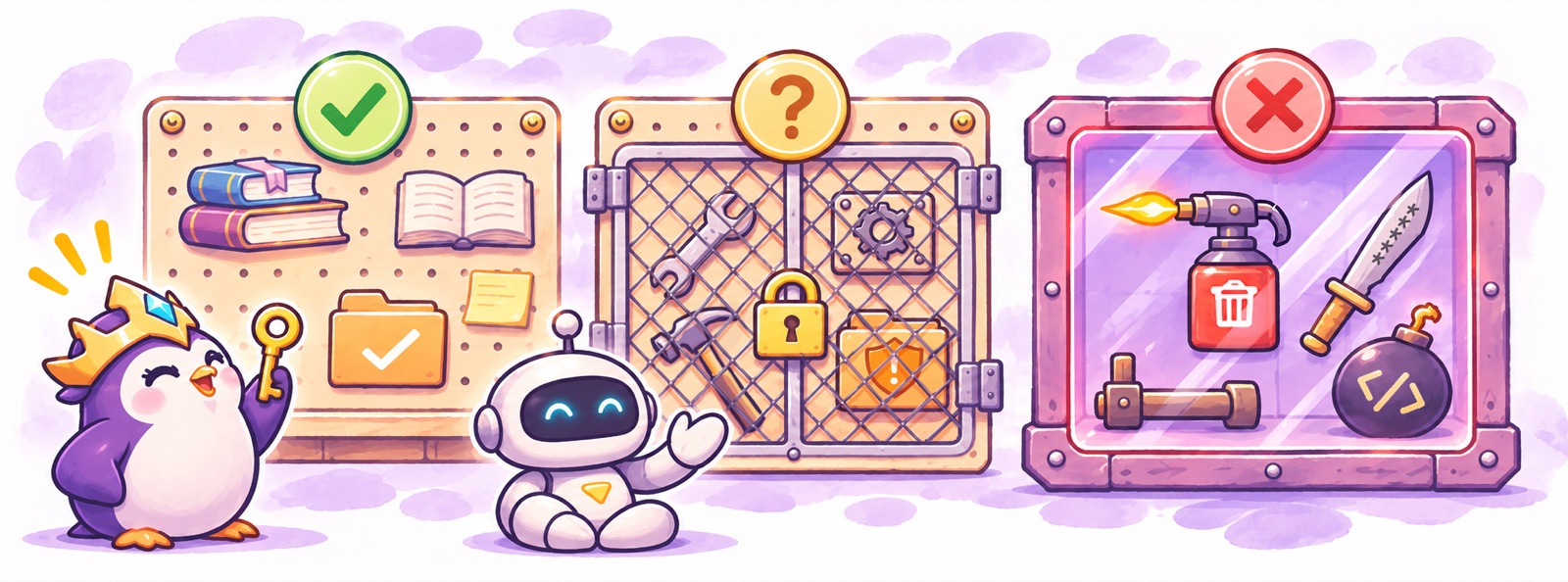
An agent with hands can also break things, so the harness asks before it acts, and you decide how much it may do on its own.
- Approval prompts: read what the agent wants to do before you click allow. Allowlist the safe, read-only things you approve every time, so the risky ones stand out.
- Permission modes set how much the agent does without asking. More freedom means fewer prompts, but also fewer chances to catch a mistake.
- Bypass mode removes every prompt, so a mistake, or a bad instruction hidden in something the agent read, takes effect before you see it. Smart mode is the safer middle.
- Nothing you type in the chat is private. It’s sent to the AI provider and kept in the session history. Never type passwords, tokens or keys there; the agent can give you a separate window for them.
- A sandbox fences the agent off so it can only reach what it’s been given, which makes unattended work safer.
- A local agent works as you, with your files and your access. A cloud agent works on its own machine, with only what it’s been given.
What can you do with it?
Three layers of AI Adoption:
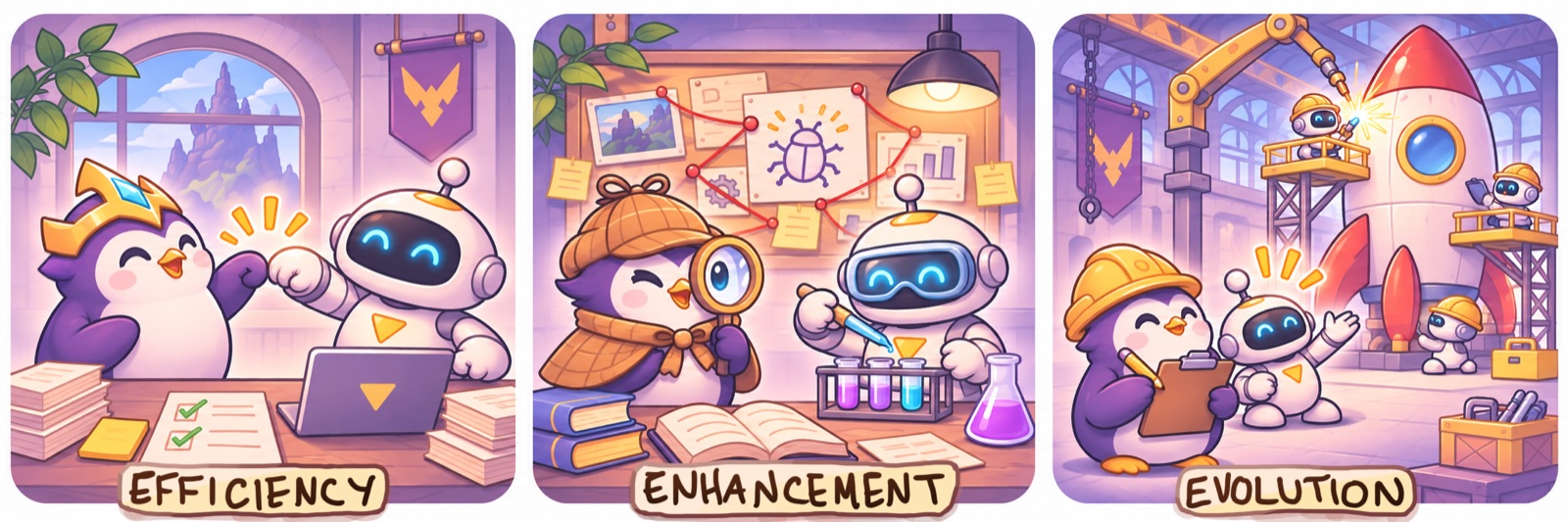
- Efficiency: the same work, faster. Reports, first-pass bug investigations, research, summarizing notes, sorting information. AI is your helper.
- Enhancement: bring new skills to the table. Script tools to assist your goals, and search large knowledge bases to find solutions. AI is your sidekick.
- Evolution: work that couldn’t exist before due to budget or capability constraints. Agents that scan and triage bugs as they come in, tools that compare two images and act on the differences, or fuzzy matching a script couldn’t do, like auditing a bug backlog for patterns. AI is your teammate.
What Agentic AI is good at
- building tools to gather information or gathering through access points (mcps, code search, etc) and web search
- analyzing information given a set of criteria
- rearranging information into a useful format or collating different sources of information
- “Inference” (reasoning about something based on additional context)
- advice: answering questions given the right context, proposing solutions when presented with a problem and constraints
- generally expanding outside of your realm of knowledge
Starter Ideas:
- Learn about a new thing in the project or a new domain.
- Ask a very specific question that leans on situational or domain context.
- Audit a lot of content, and batch fix what it finds.
- Find a new bug cause, then search the project for more instances of the same, and fix them.
- Turn results into a report people can easily read.
Where Agentic AI often goes wrong (and why)
Problems you may have run into already, and the reason behind each:
- It forgets something you told it in another session. It has no memory between sessions. Each chat is a new instance.
- It forgets things from earlier in the same conversation. The context window is limited, and compaction summarizes it, losing details and blending unrelated things together.
- It doesn’t know things it has access to, or it guesses. It only knows what’s in its context right now, not what’s nearby in unread files. It doesn’t always know to go looking for the files or tools.
- Impressive first answers, then it drifts and the quality drops. It’s pulled toward finishing, and toward looking done. Or the task changed and the earlier context is distracting.
- It treats something you weren’t sure about as fact, or argues with you about something you’re sure of. It drops hedges and upgrades words (“might” becomes “is”) in order to give confident sounding responses.
- It summarizes a source inaccurately instead of keeping the source’s words. Subagent workers often pull source data and summarize it to the parent agent without the surrounding context.
A good harness and ruleset can address many of these issues automatically.
Best Practices
- You’re the director. It does the work; you set the goal and make the calls.
- Tell it what the result is for, and who will use it. Otherwise it guesses.
- Give the real stakes, without urgency. Any hint of a rush makes it skim and skip.
- Plan first, then build against the plan. A plan is much cheaper to fix than a finished build.
- Check its work before you rely on it.
Tips
- Use voice dictation for prompting. You can often provide more context about what you’re working on by using voice. It’s ok to ramble, the extra context helps the agent. You can download Handy open source to dictate into any text field, or your Agent harness might have a voice prompt option.